Design elements - OtherBy Digital CartelLaunched July 29, 2026Updated July 30, 2026
Stilo CSS Editor launched on July 29, 2026. Shoplist is watching for its first storefront installs and tracking its public listing in the meantime.
Apps merchants weigh against Stilo CSS Editor, with their own detected stores and ratings.
Get alerted on first storefront installs, review spikes, pricing changes, and listing edits.
Add custom CSS code to any available theme on your store
Add custom CSS to any store page directly from the theme customizer. No code editing needed.
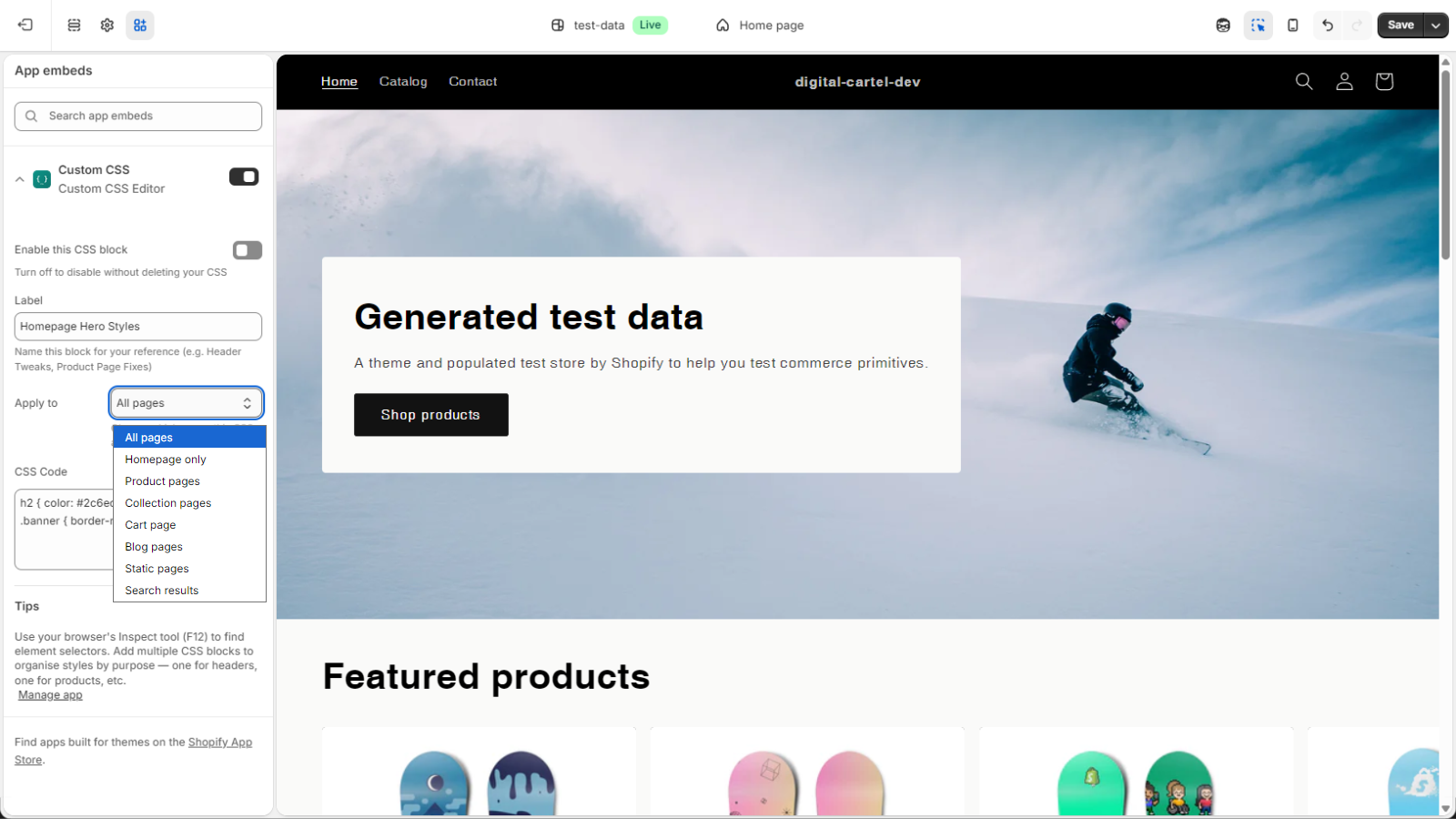
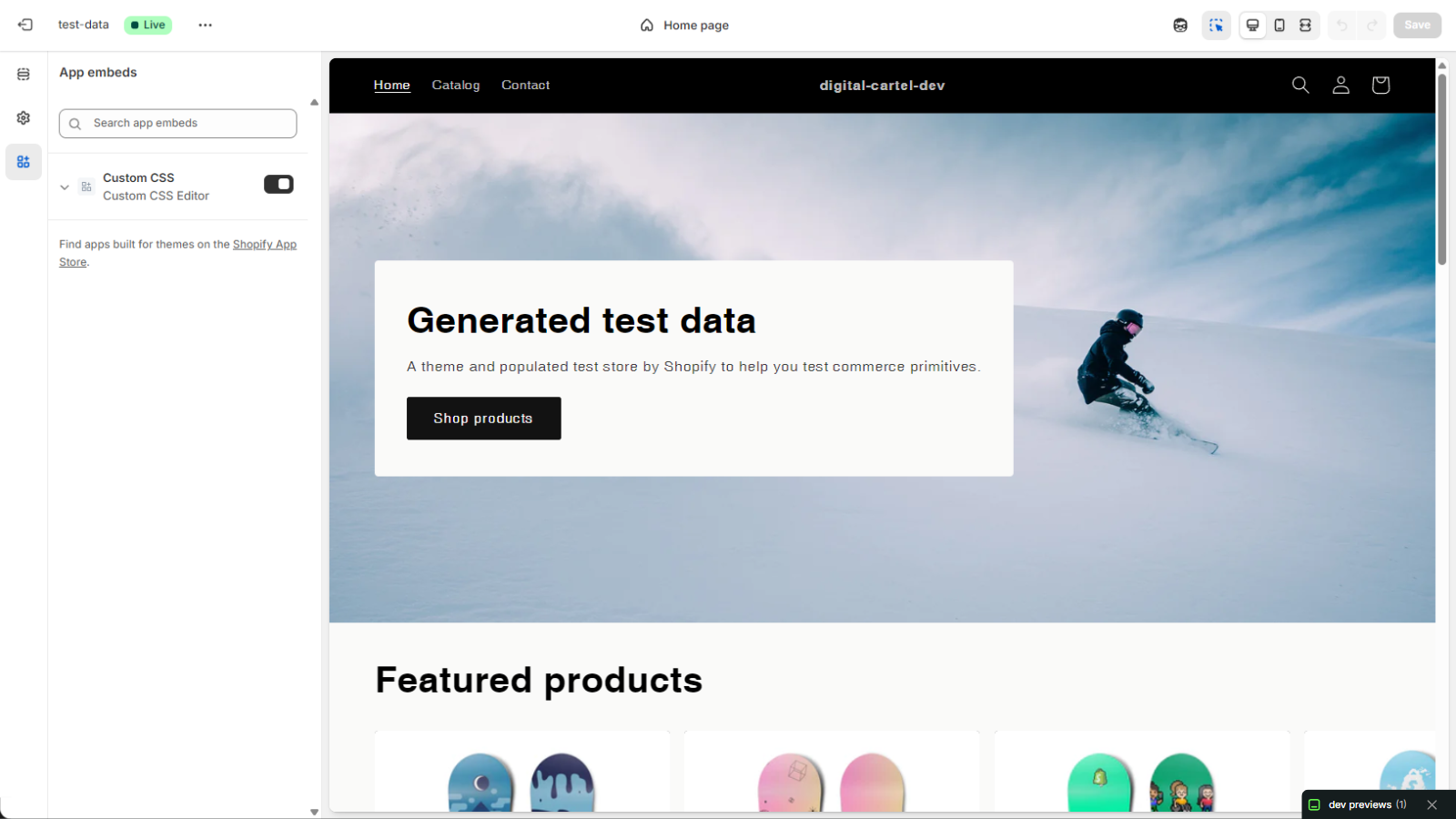
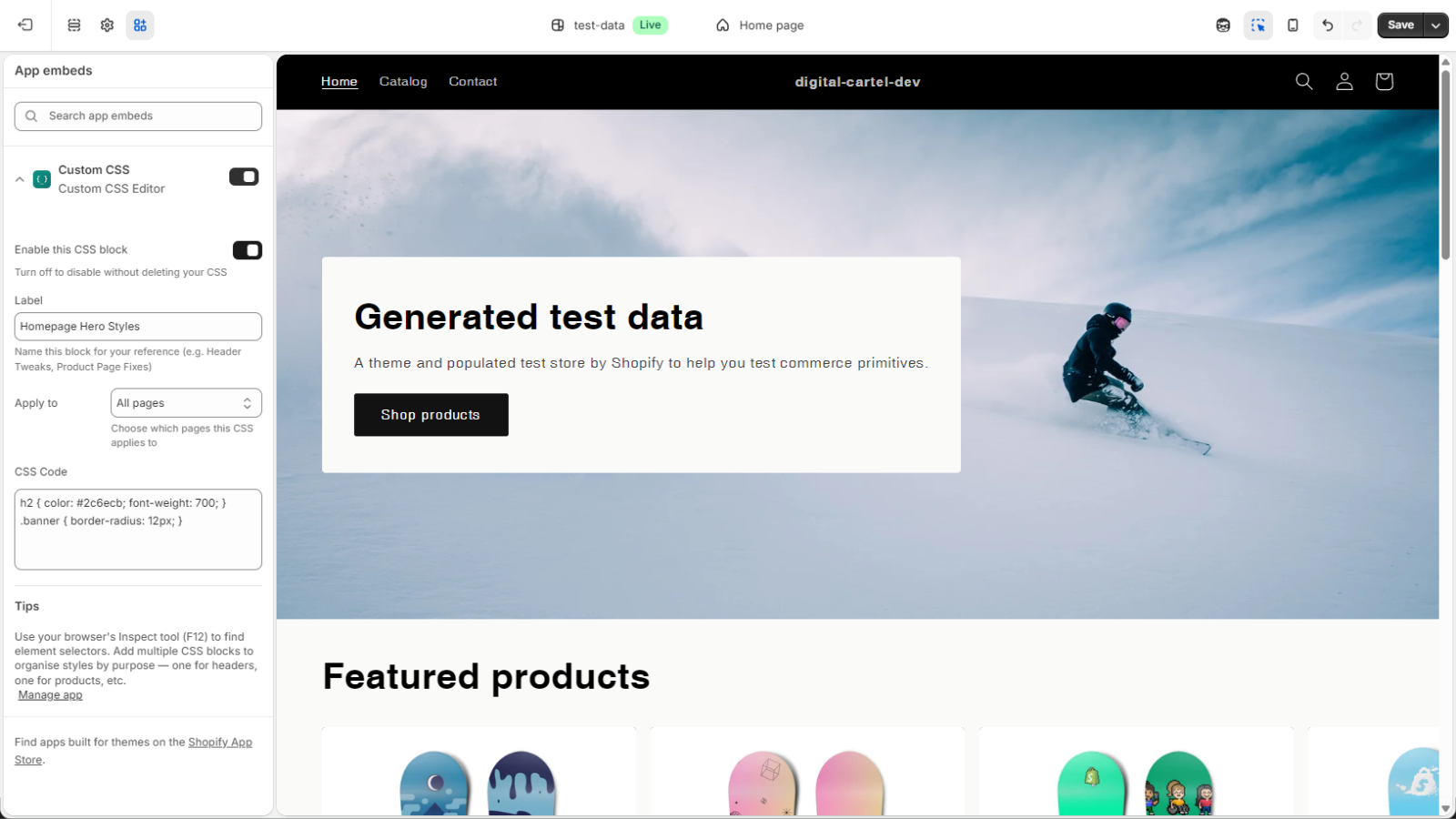
Stilo CSS Editor lets you add custom styles to your Shopify store from the theme editor. There is no separate app dashboard and no theme file editing. After installing, switch on Custom CSS under App embeds, paste your styles, and watch the preview update. Your CSS is served by Shopify with no external requests and no storefront JavaScript. Apply it to all pages or one page type, and switch it off without losing your code. Works with Online Store 2.0 themes.
Every number on this page comes from public storefront scans and the public Shopify App Store listing. If Shoplist shows Stilo CSS Editor on a store, it is there.
Read the data methodologyCompare
Detected stores, ratings, pricing, and momentum side by side.
Developer
Every app Digital Cartel publishes, with their detected reach.
Rankings
The ten apps gaining the most detected installs in each category.
Directory
Browse every app Shoplist tracks, by category, rating, and reach.