Image editorBy Hubify Apps4.0 (18 reviews)Updated July 18, 2026
Shoplist has detected Hubify ‑ Amazing Zoom Features on 5 Shopify stores, listed below. Reviews and pricing fill in the rest of the picture.
2 of 5 detected stores, ranked by traffic. The full list adds filters, contact availability, and CSV export.
Filter by category, country, and traffic, see contact availability, and get alerted when stores install or leave.
69/100
Adoption, install momentum, reviews, listing freshness, and pricing posture, weighted into one public score.
3 more stores in the full list
A free account shows all 5 with filters and contact availability.
Store movement comes from Sonar's storefront scans; listing changes come from the Shopify App Store page.
1 store no longer shows Hubify ‑ Amazing Zoom Features.See which, and what replaced them
The categories, store sizes, and countries of the stores Sonar detects it on, and the apps most often installed alongside it.
Brands using Hubify ‑ Amazing Zoom Features, grouped by product count
Share of currently detected stores, top five.
Apps merchants weigh against Hubify ‑ Amazing Zoom Features, with their own detected stores and ratings.
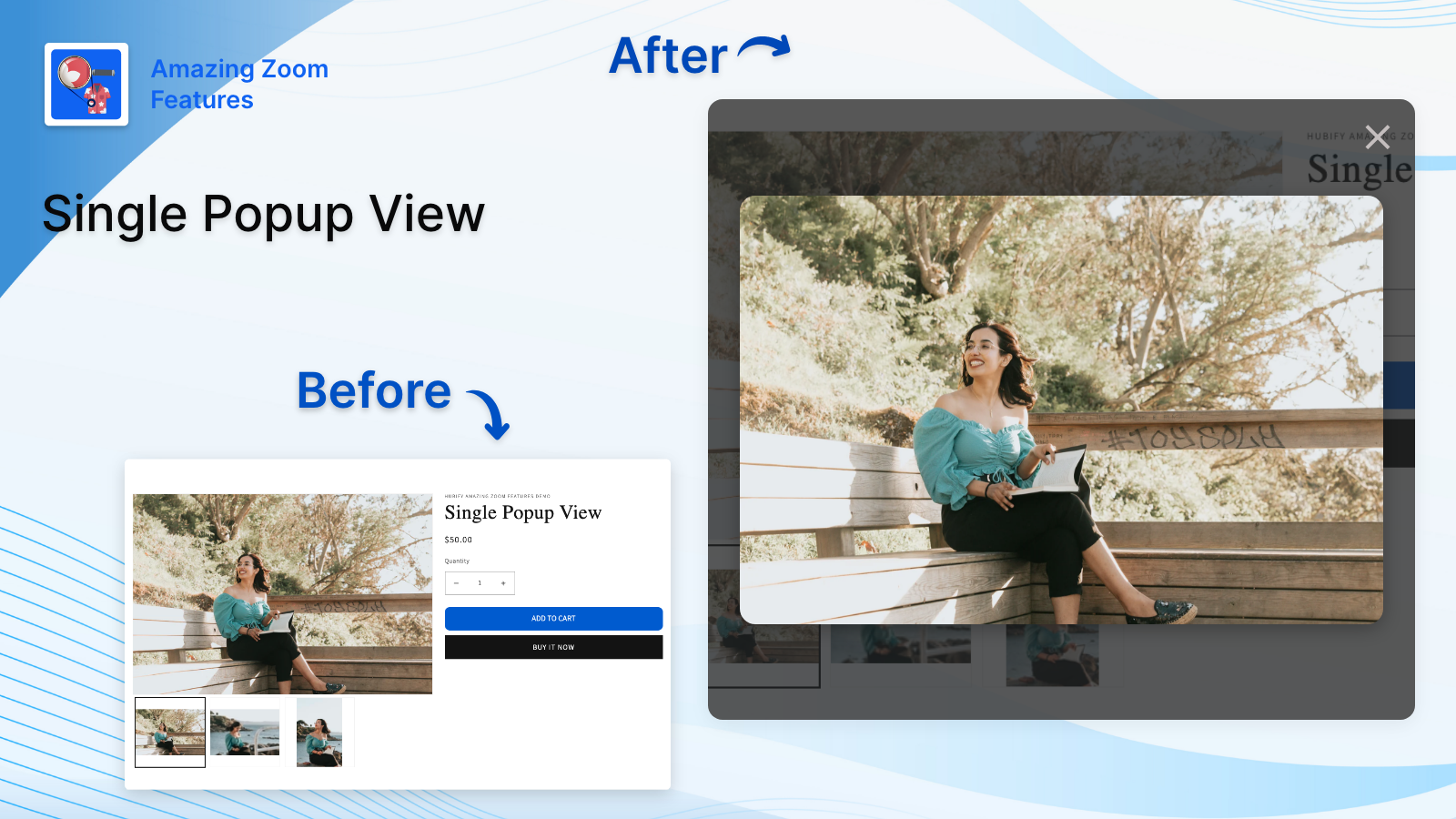
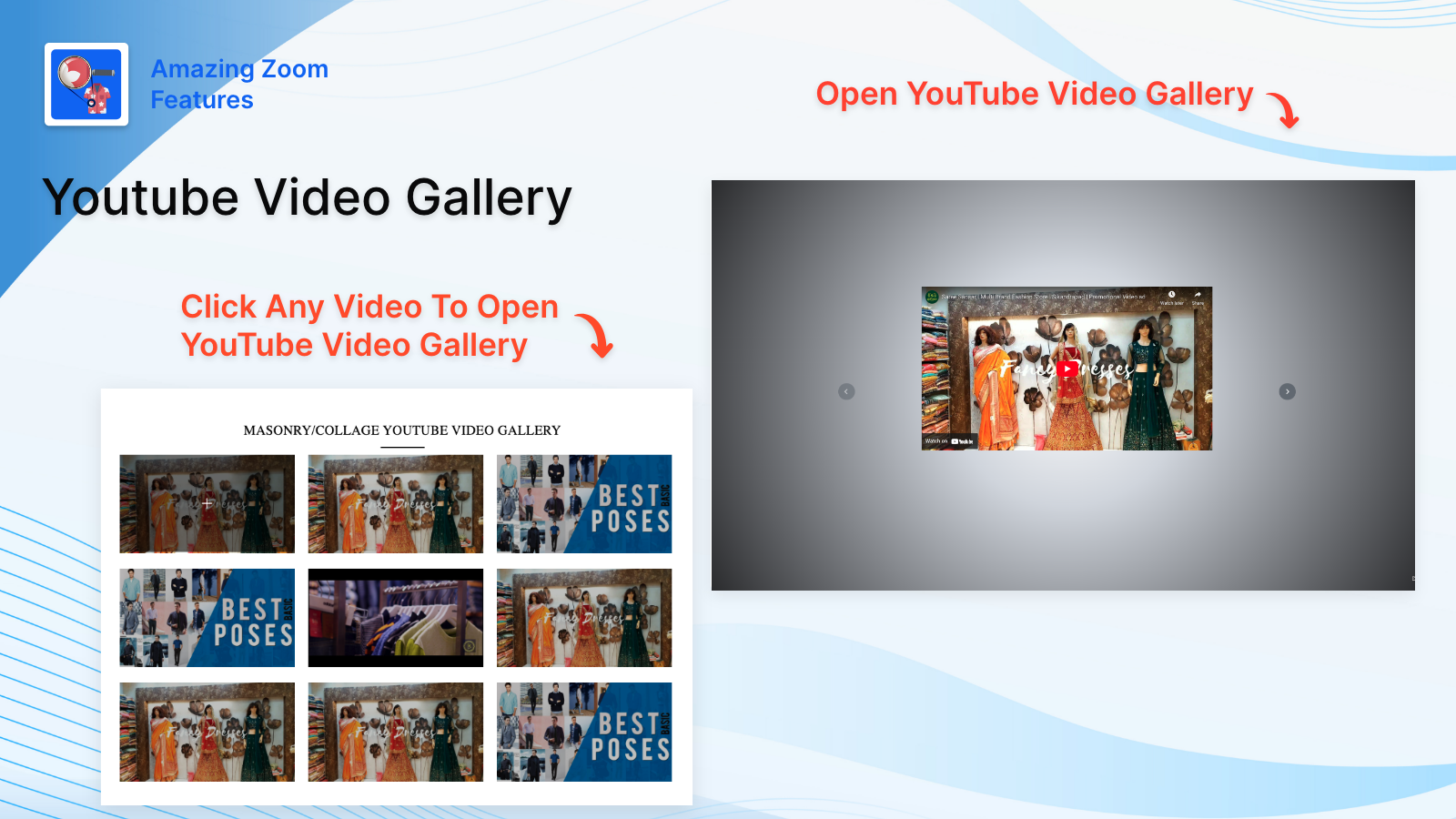
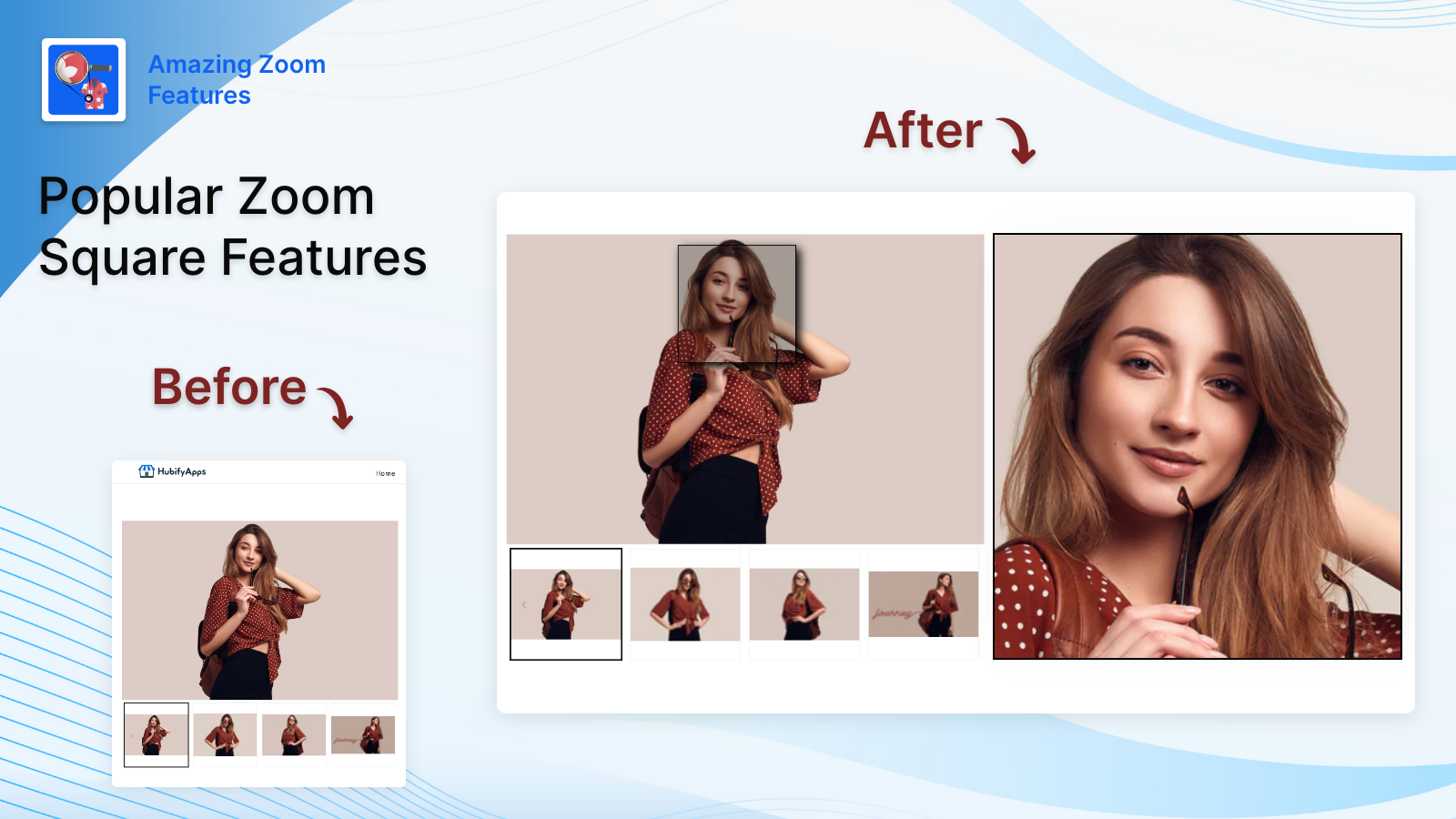
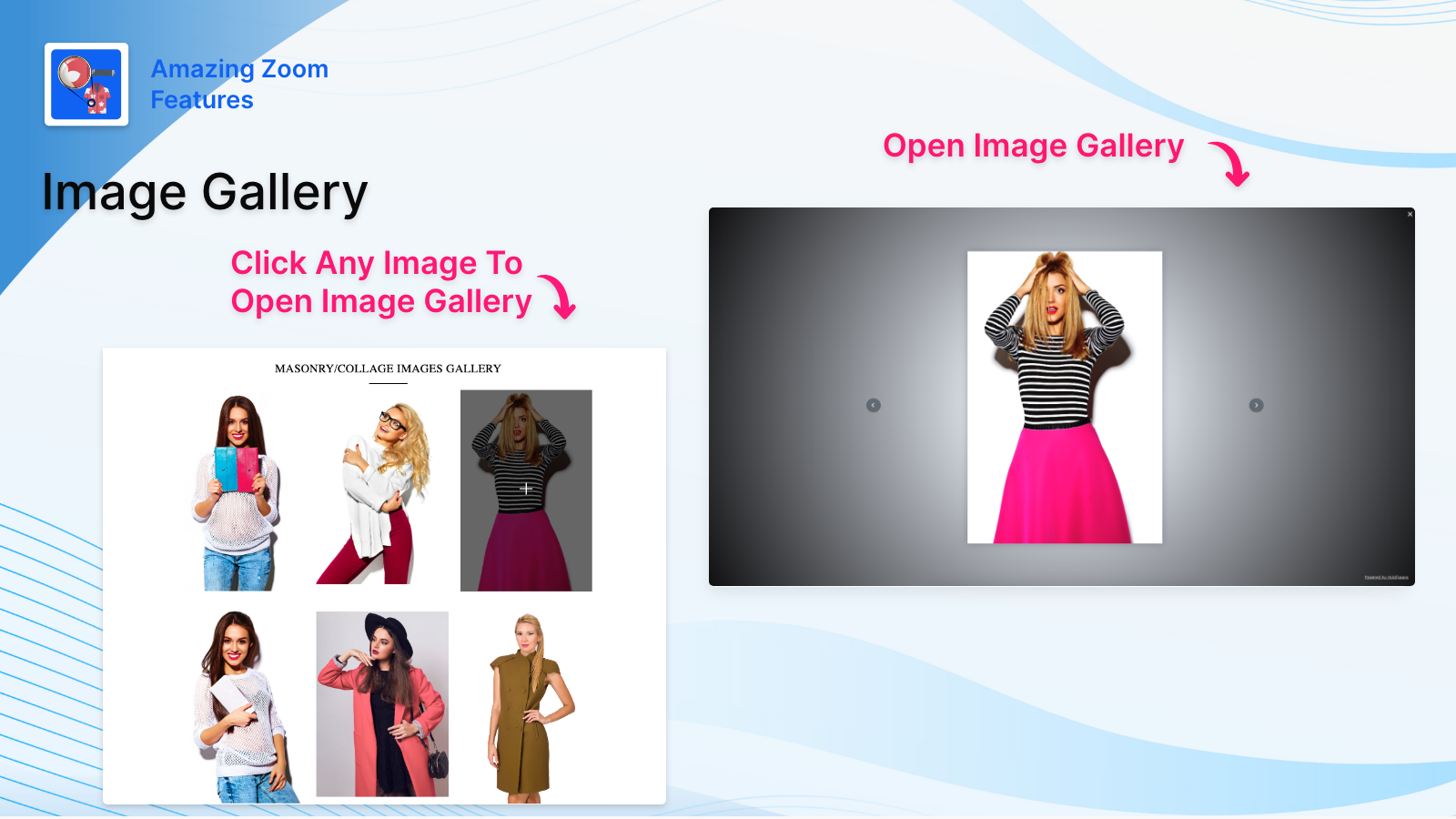
Apply Different Types of Amazing Zoom on Products. Create Image/Video Galleries with Vimeo, YouTube
Different types of Products Zoom are available. Easily apply any zoom on the products. Also, they can switch easily to another zoom type from the settings. They can create image and video galleries with Vimeo and YouTube video URLs. It will help your customers to check the products by enlarging the image.
Every number on this page comes from public storefront scans and the public Shopify App Store listing. If Shoplist shows Hubify ‑ Amazing Zoom Features on a store, it is there.
Read the data methodologyCompare
Detected stores, ratings, pricing, and momentum side by side.
Developer
Every app Hubify Apps publishes, with their detected reach.
Rankings
The ten apps gaining the most detected installs in each category.
Directory
Browse every app Shoplist tracks, by category, rating, and reach.
Make visible all the details of the product with a magnifier