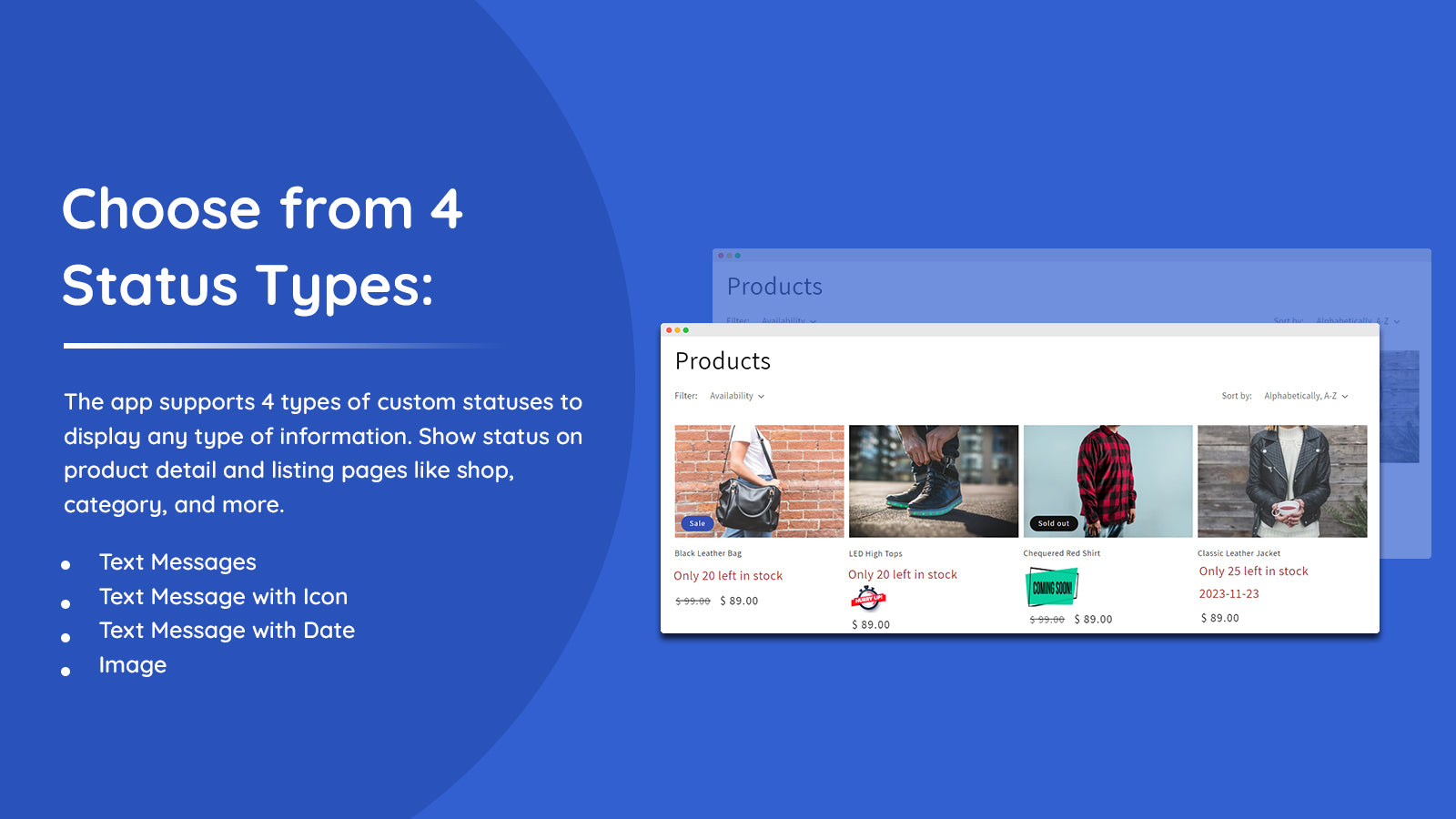
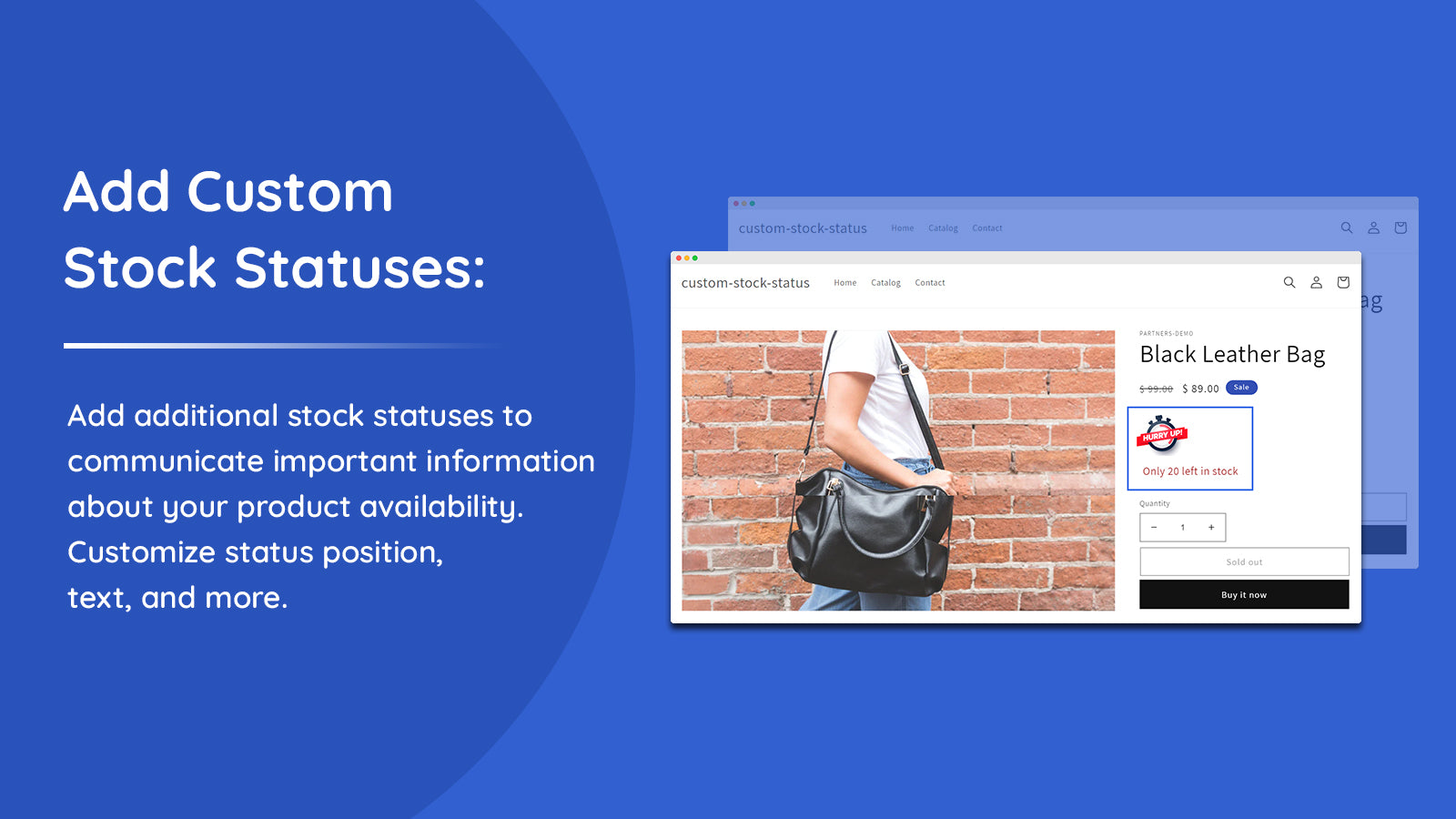
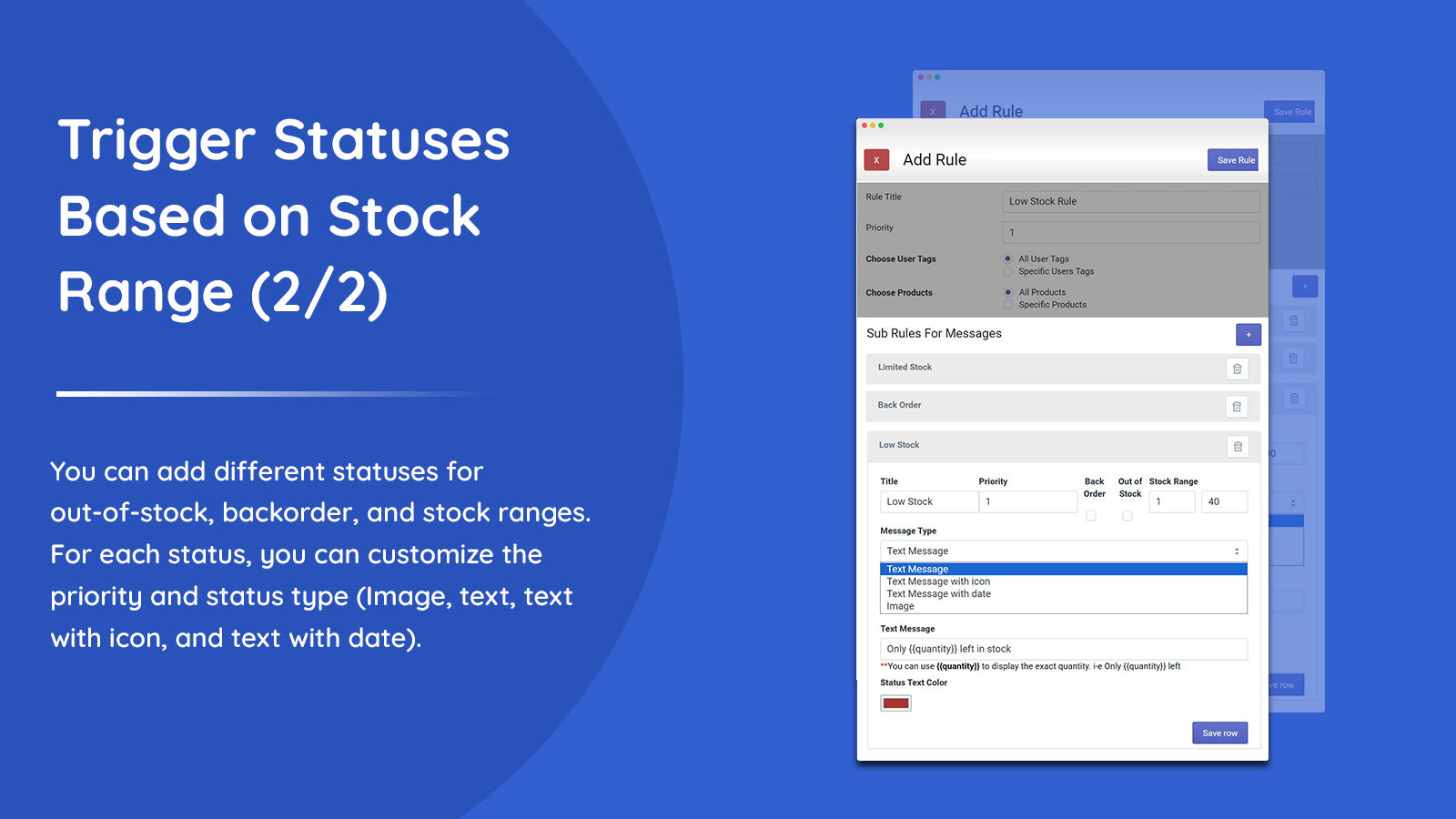
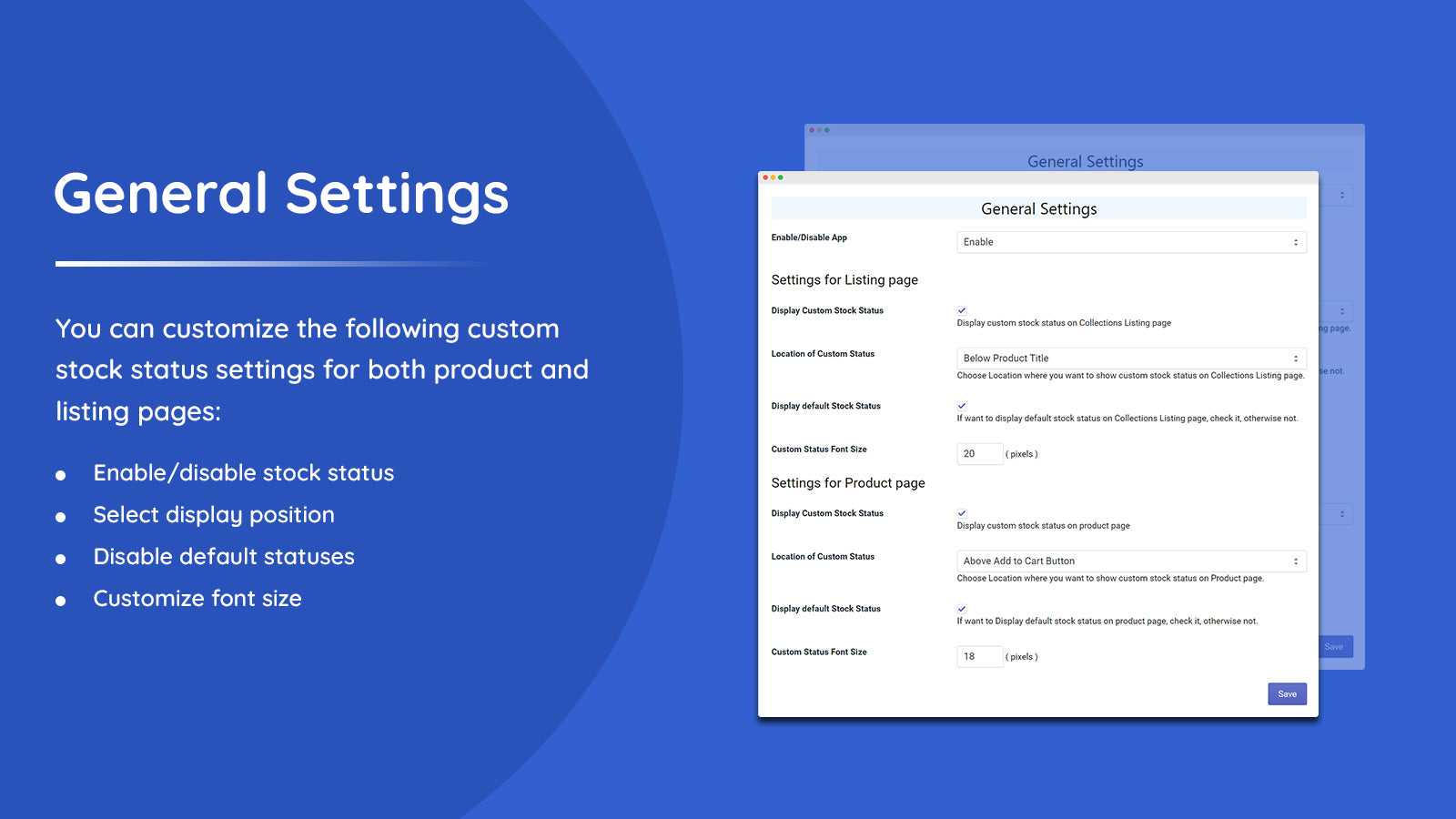
Addify: Custom Stock Status Shopify App: Reviews, Pricing & Alternatives
Inventory optimizationBy Addify1.0 (1 reviews)Updated February 19, 2026
Shoplist has not found Addify: Custom Stock Status on a storefront yet, so it tracks the app through its 1 public reviews and pricing instead. Storefront detections will appear here as soon as Sonar finds them.
Key signals for Addify: Custom Stock Status
- Rating
- 1.01 review
- Pricing
- Free trialThen from $4.99
- Launched
- Jan 17, 2024
- Storefront installs
- None foundAdmin-only and server-side apps rarely leave a storefront trace
Addify: Custom Stock Status reviews and rating
- Rating
- 1.0
- Reviews
- 1
- Latest
- Feb 2, 2024
Addify: Custom Stock Status pricing
- BASIC
- Applicable to Basic Shopify plan.
- $4.99
- STANDARD
- Applicable to Standard Shopify plan.
- $5.99
- ADVANCED
- Applicable to Advanced Shopify plan.
- $6.99
- PLUS
- Applicable to Shopify Plus plan.
Keep watching Addify: Custom Stock Status.
Get alerted on first storefront installs, review spikes, pricing changes, and listing edits.